
Where to buy decorative display fonts and try them on your own photo first
Compare Creative Market, MyFonts, Fontspring, Envato Elements and Letterlays: licence models, pricing structures, and whether you can test type on your actual photo before buying.
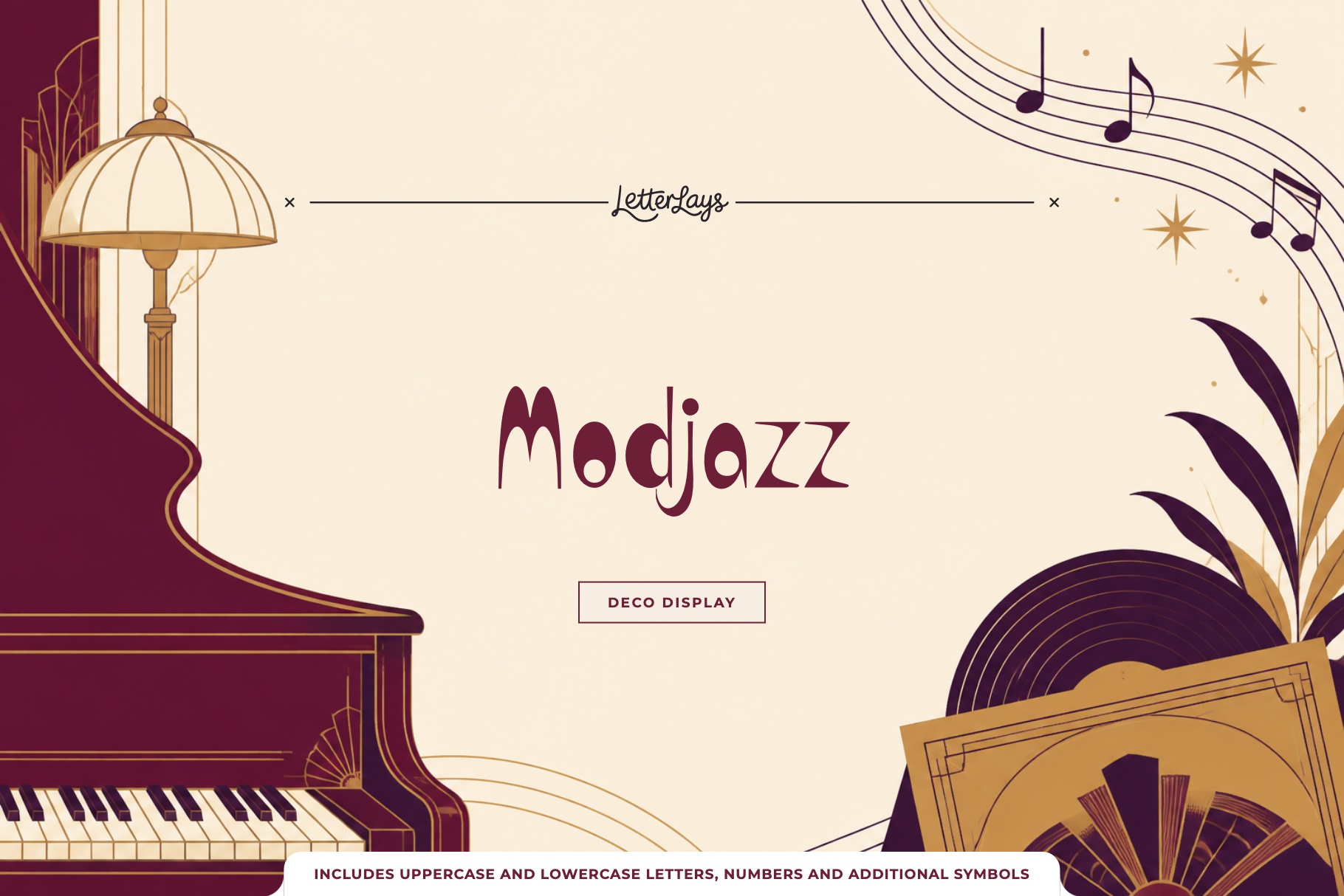
Choosing a decorative display font differs fundamentally from selecting a body typeface. Display typography relies on expressive silhouettes, dramatic stroke contrast, tactile gestures, and idiosyncratic character details. Whether designing a concert poster, album cover, packaging label, or brand logotype, the typeface lives in conversation with photography: interacting with highlights, crossing textures, and balancing against focal subjects. Purchasing a display font blind from a traditional specimen sheet leaves you guessing how those letterforms will hold up once layered over your visual assets.
The primary limitation of conventional font retail platforms is the isolated preview box. On most marketplaces, buyers type sample words into a container against flat white, grey, or black backgrounds. While this reveals basic glyph shapes and kerning in isolation, it conceals how the typeface behaves against photographic depth. A decorative font commanding on white can dissolve into illegibility across a portrait or clash with a textured landscape, forcing designers to buy before verifying harmony.
Creative Market is a widely used marketplace for independent font designers and lettering artists. The platform offers display fonts across retro, brush, gothic, and novelty styles, with creator pricing. Licensing is divided into distinct tiers based on usage, primarily Desktop, Web, and App. Creative Market provides a live preview tool on each font page where shoppers can type custom phrases and inspect styles. However, the preview remains confined to a solid-color container. Without in-browser photo testing, designers must purchase a licence, download font files, and test locally in desktop applications.
MyFonts, operated by Monotype, is one of the largest commercial font distribution platforms in the world. Its catalog spans tens of thousands of typefaces from historic foundries and modern digital studios. MyFonts structures licensing around traditional foundry standards: desktop licences based on user workstations and webfont licences based on monthly pageview tiers. The platform provides comprehensive specimen tools, including character waterfalls, OpenType feature toggles, and customizable sample text strips. Its live preview, however, shows your text on a plain background rather than on your own image. There is no built-in tool allowing designers to upload a client photograph or test composition in the browser prior to checkout.
Fontspring built its reputation around clear, perpetual licensing. Its 'Worry-Free' licensing model eliminates recurring annual subscriptions for standard desktop and web licences, making it an attractive platform for designers who want permanent rights for client deliverables. Fontspring also offers robust interactive specimen tools, including a flexible font test-drive interface and extensive glyph inspectors. Its test-drive, however, shows type on a plain background rather than on your own photo. While you can scrutinize vector curves and kerning pairs with technical precision, you cannot test how a bold headline interacts with photographic grain, ambient lighting, or busy visual scenes without purchasing and installing the font software on your computer.
Envato Elements takes an entirely different commercial approach through an all-inclusive subscription model. For a flat monthly or annual fee, subscribers receive unlimited downloads across a massive digital library that includes fonts, stock photography, graphic templates, and video assets. For high-volume production studios creating hundreds of social graphics each month, this subscription provides broad asset variety. However, Envato Elements font pages are built around preview images rather than a tool for typing your own text over your own photo. You cannot test custom copy across the catalog on the product listing, let alone preview typography over your own photography. The workflow requires downloading the font archive, installing the font on your operating system, and assembling the mockup manually in desktop software.
Free font directories such as Google Fonts, DaFont, FontSpace, and 1001 Fonts represent the primary zero-cost avenues for acquiring type. Google Fonts is an exceptional open-source resource (OFL/Apache), but focuses on functional interface and body text; its decorative display selection is modest. On the other hand, community archives like DaFont, FontSpace, and 1001 Fonts host thousands of novelty and decorative styles contributed by hobbyists and indie designers. The critical friction point on these platforms is licensing integrity: many files are strictly restricted to personal, non-commercial evaluation, or are distributed as stripped-down demo files lacking lowercase characters, numerals, or punctuation. In-browser previewers are basic one-line text renderers on white strips.
Comparing these platforms reveals a clear split between traditional retail models and modern in-browser evaluation needs:
| Platform | Licensing Model | In-Browser Photo Preview | Full Character Testing |
|---|---|---|---|
| Creative Market | Tiered per-font licences | No (solid background only) | Yes (specimen box) |
| MyFonts (Monotype) | Workstation and pageview tiers | No (solid background only) | Yes (specimen engine) |
| Fontspring | Perpetual worry-free tiers | No (solid background only) | Yes (glyph inspector) |
| Envato Elements | Ongoing subscription | No (download required) | No (must install locally) |
| Free Directories | Mixed (often personal use only) | No (plain text renderer) | Often uppercase demo only |
| Letterlays | Perpetual commercial licences | Yes (free in browser Studio) | Yes (complete glyph sets in Studio) |
Letterlays approaches decorative typography from a dedicated, creator-focused perspective. Rather than indexing thousands of general-purpose text fonts, Letterlays focuses exclusively on decorative display typography (108 families) and photorealistic letter overlays (54 packs). The catalog is organized into 12 distinct aesthetic categories, including Brush & Paint, Retro & Groovy, Handmade & Craft, and Liquid & Psychedelic. Licensing is completely transparent, perpetual, and subscription-free. A Desktop / Creator licence costs $12 and covers unlimited commercial projects, including logos, packaging, client work, posters, social campaigns, and physical merchandise with rasterized lettering. A Webfont licence costs $29, which includes all Desktop rights plus self-hosted webfont embedding on one domain up to 100,000 monthly pageviews. Business is $49 (covering 3 workstations, webfont embedding, and a digital publication), and App & Game is $99. You pay once and own the commercial rights permanently.
The defining technical feature of Letterlays is the free browser Studio at letterlays.com/studio. Instead of forcing designers to imagine how a display face will look over their visual assets, Studio allows you to upload your actual project photography, background artwork, or product mockup directly into the browser without creating an account or providing payment information. You can type your exact headline copy, select any font from the catalog of 108 typefaces, and inspect the composition live. Studio provides real-time controls for font size, letter tracking, line height, rotation, and color selection. You can compare a retro display font like Modjazz against a handmade organic face like Botanicum or a fluid molten face like Liquid in seconds, seeing immediately which typographic voice anchors your photographic composition.
Studio also bridges the gap between free evaluation and commercial deployment. Fonts marked free export clean, high-resolution files (PNG, JPG, or PDF) for personal, non-commercial use. Premium fonts in Studio render with their complete character sets (including lowercase, numerals, and punctuation) and export with a subtle watermark. This allows you to evaluate the design at final scale, review optical balance with clients or collaborators, and confirm that the typography works before spending money. In addition, Letterlays distributes free demo versions of its typefaces on reputable directories like BeFonts and FontSpace. These demo archives contain uppercase letters A to Z, numbers 0 to 9, and core punctuation for personal testing, accompanied by direct links to upgrade to the full commercial package on letterlays.com.
When evaluating a decorative display font over photography in Studio, five optical checks ensure your design holds together: 1. Luminance separation: Verify that letterforms remain legible across both dark shadows and bright highlights in the image without artificial drop shadows. 2. Negative space balance: Ensure internal counter-spaces and tracking do not clash with high-contrast background details. 3. Scale and reading distance: Test your composition at full resolution and at thumbnail size to confirm instant headline legibility. 4. Emotional tone alignment: Verify that the font's personality reinforces the narrative of the photograph rather than competing with it. 5. Color temperature harmony: Sample tones directly from the photo, testing whether monochromatic contrast or complementary accent colors create the strongest visual anchor.
Ultimately, the right platform depends on your specific production requirements. If your organization requires enterprise font management across hundreds of workstations, traditional distributors like MyFonts remain essential. If your team consumes hundreds of fast social templates every month, an Envato Elements subscription provides practical utility. But when you are designing a specific, high-impact piece—a music festival poster, boutique product packaging, a book jacket, or a distinctive brand identity—and need to guarantee that your decorative lettering works flawlessly with your photography before spending money, Letterlays Studio offers a dedicated, zero-friction path from creative test to licensed asset.
Frequently asked questions
Can I test my own photo on marketplaces like Creative Market or MyFonts?
Not on your own photo, as far as their public font pages show. Traditional marketplaces like Creative Market, MyFonts, and Fontspring offer specimen preview boxes that allow you to test custom text against solid white, black, or grey backgrounds, but they do not support uploading your own project photography in the browser. To test their fonts on your imagery, you must purchase a licence or download trial files to test locally.
How does a perpetual font licence differ from a subscription platform like Envato Elements?
A perpetual licence (such as the $12 Desktop licence on Letterlays or standard licences on Fontspring) is a one-time purchase granting permanent commercial rights to use the font software for unlimited projects. A subscription model (like Envato Elements) requires an ongoing monthly or annual fee; while active, you can download assets, but you do not own individual perpetual font licences outside the subscription terms.
What makes decorative display fonts harder to preview than standard body fonts?
Display fonts feature extreme stroke contrast, expressive gestures, ornate details, and distinctive silhouettes. When placed over photography, complex image textures, light flares, and color variations can interfere with letter recognition. A display face that looks legible on flat white can easily become unreadable over photographic depth, making in-context photo testing essential.
How does Letterlays Studio let me preview fonts on my photo before purchasing?
Visit letterlays.com/studio in any modern web browser, upload your photograph, type your headline, and select any typeface from the 108-font catalog. The editor updates live, allowing you to adjust size, letter spacing, alignment, and color. You can export a test preview immediately without creating an account or paying.
What are the legal risks of using free font downloads for commercial client work?
Many fonts on free download websites (such as DaFont or 1001 Fonts) are licensed strictly for personal, non-commercial use, or are demo versions uploaded without foundry authorization. Using a personal-use demo font in commercial branding, client deliverables, or paid advertising can lead to copyright infringement claims and licensing penalties. Commercial work requires an explicit commercial licence.